Timey lets you choose loud custom alarm sounds, viral sounds and custom ringtones, then pair the alarm with a theme or your own photo. The result is an alarm that feels connected to the moment ahead.
Viral sounds, without another generic beep
A familiar sound can make an alarm feel more like yours. Timey’s published feature list includes viral sounds alongside powerful alarm sounds and custom ringtones. If you enjoy the sounds that circulate through social video, that is a good place to explore a more personal alarm.
Trending sounds change quickly. Browse the choices currently available in the app, rather than assuming a particular TikTok sound or song is included. We are not promising a live trend chart or the entire audio library of another platform.
Choose for the action, not just the trend
For a morning alarm, try the sound at your intended volume and check that you recognize it immediately. For a shared plan, choose something that makes the event feel familiar without losing the clear reminder to act.
You might use one sound for a daily routine and a different one for leaving for a trip. The useful distinction is the action you need to take, not how many different alarms you can add. A memorable name helps too: leave for the airport tells you more than travel.
Give the sound a background of its own
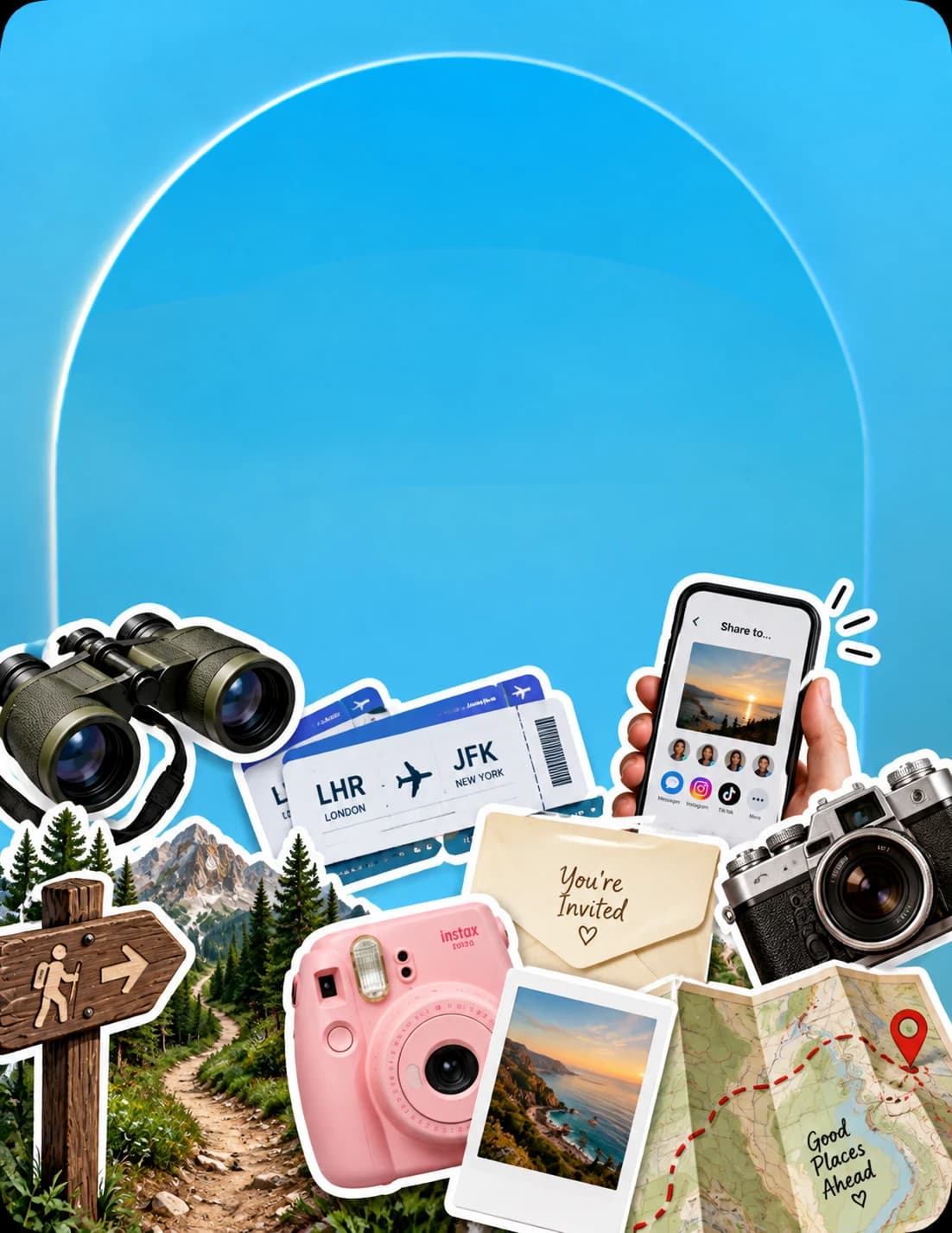
Timey combines audio with curated backgrounds, themes and your own photos. Use a picture connected to the plan: a favorite trail, your friends, or the place you are heading next. The alarm becomes recognizable before you even read its name.
That combination is why we prefer Timey for personal, shareable plans. The sound gets your attention; the image and invitation remind you what the moment is about. It is especially useful when the alarm is for something you are looking forward to, rather than another anonymous reminder.
Bring friends into the same moment
Once the date, time and appearance are set, send the alarm’s invite link to the people involved. Keep the meeting place or trip details in your conversation, then use the shared alarm for the point when everyone needs to get ready.
Want to compare sound customization with wake-up missions? Our iPhone alarm app comparison covers Timey, Alarmy, PushClock, Wayk, Erly and SuperAlarm, including the different roles of snooze and physical tasks.
Frequently asked questions
Timey’s App Store description lists viral sounds and custom ringtones. Browse the app for the current selection; individual sounds and availability can change.
Yes. Timey describes using your own photos alongside curated backgrounds and themes to personalize an alarm.
This guide does not claim that every song or TikTok sound can be imported. Use the sound options supported by the current version of Timey.